Sign Out of Exabloom

Signing out of Exabloom is simple and quick. Follow these steps to log out of your account:


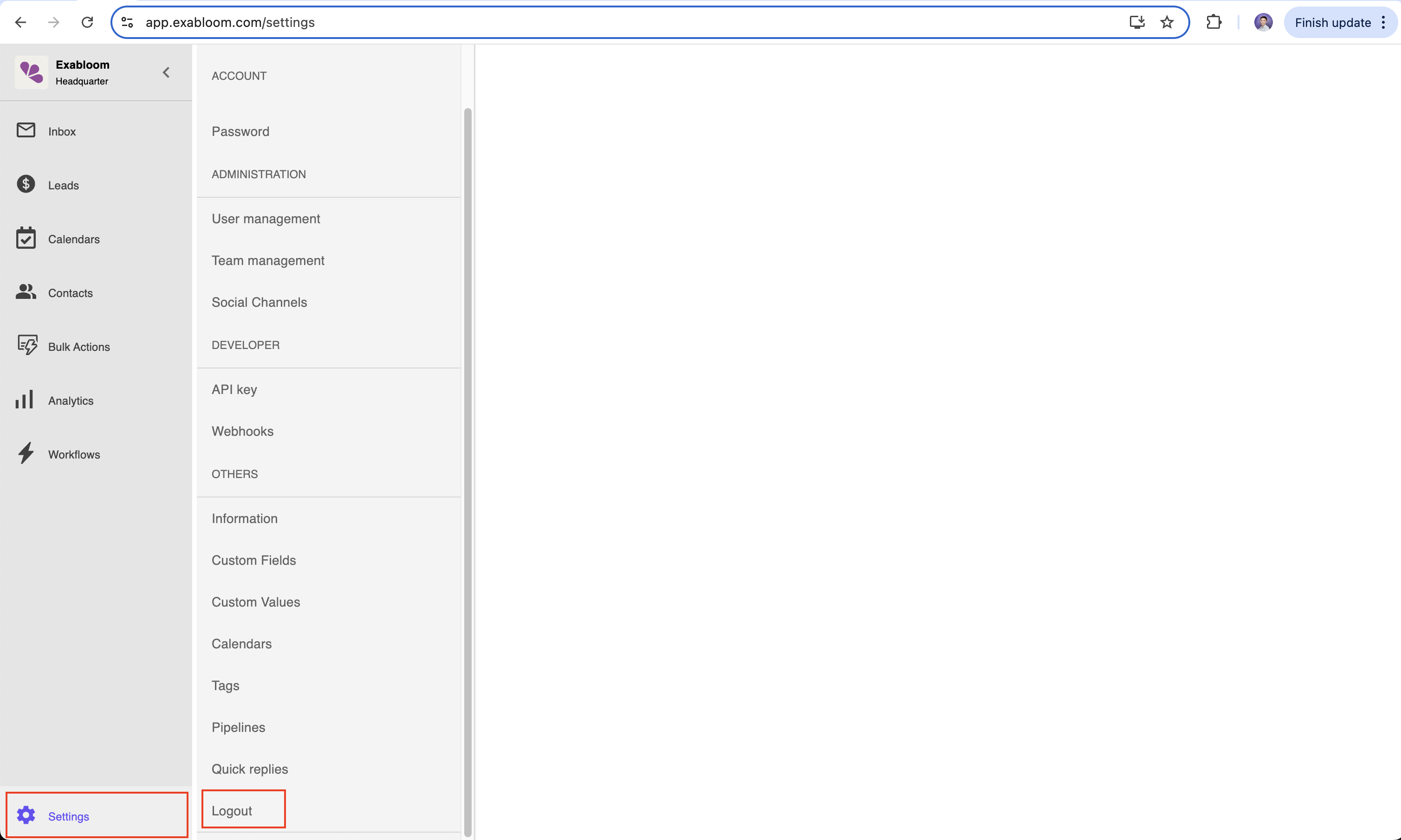
Step 1: Go to Settings

  1. Navigate to the Settings section in your Exabloom account.

Step 2: Click “Logout”

  1. Click the “Logout” button. image.png

Done!

You’ve successfully signed out of your Exabloom account. To log back in, visit app.exabloom.com/login.