Navigate Exabloom
The Exabloom interface has two main areas: the sidebar and the main panel.
Sidebar
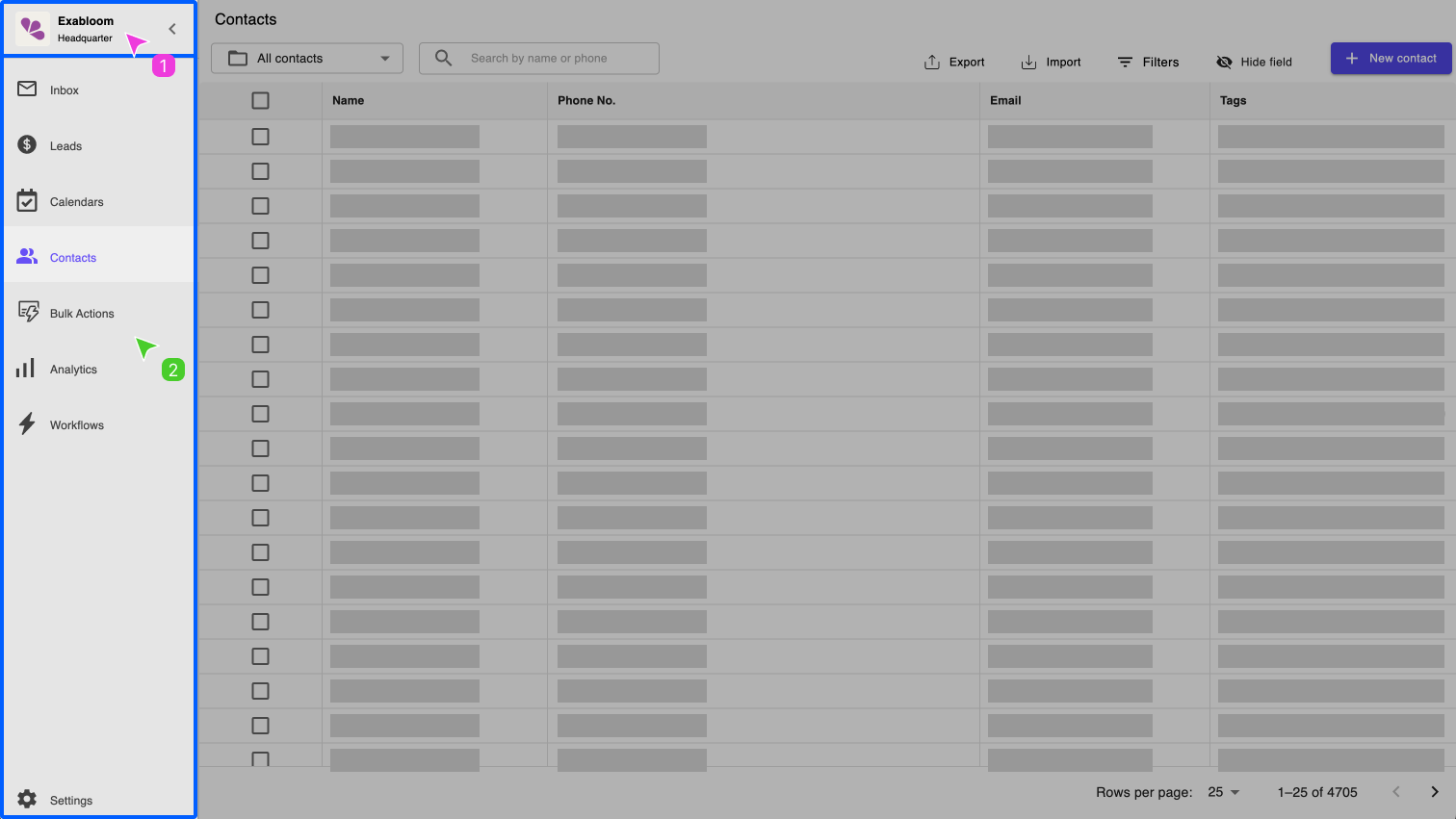
The sidebar contains two sections:
- Control panel — switch between organizations and access admin view.
- Navigation panel — go to any page in Exabloom:
- Inbox
- Leads
- Calendars (beta)
- Contacts
- Bulk Actions
- Analytics
- Workflows
- Settings
info
Calendars and Workflows are only available to selected users.
Main panel
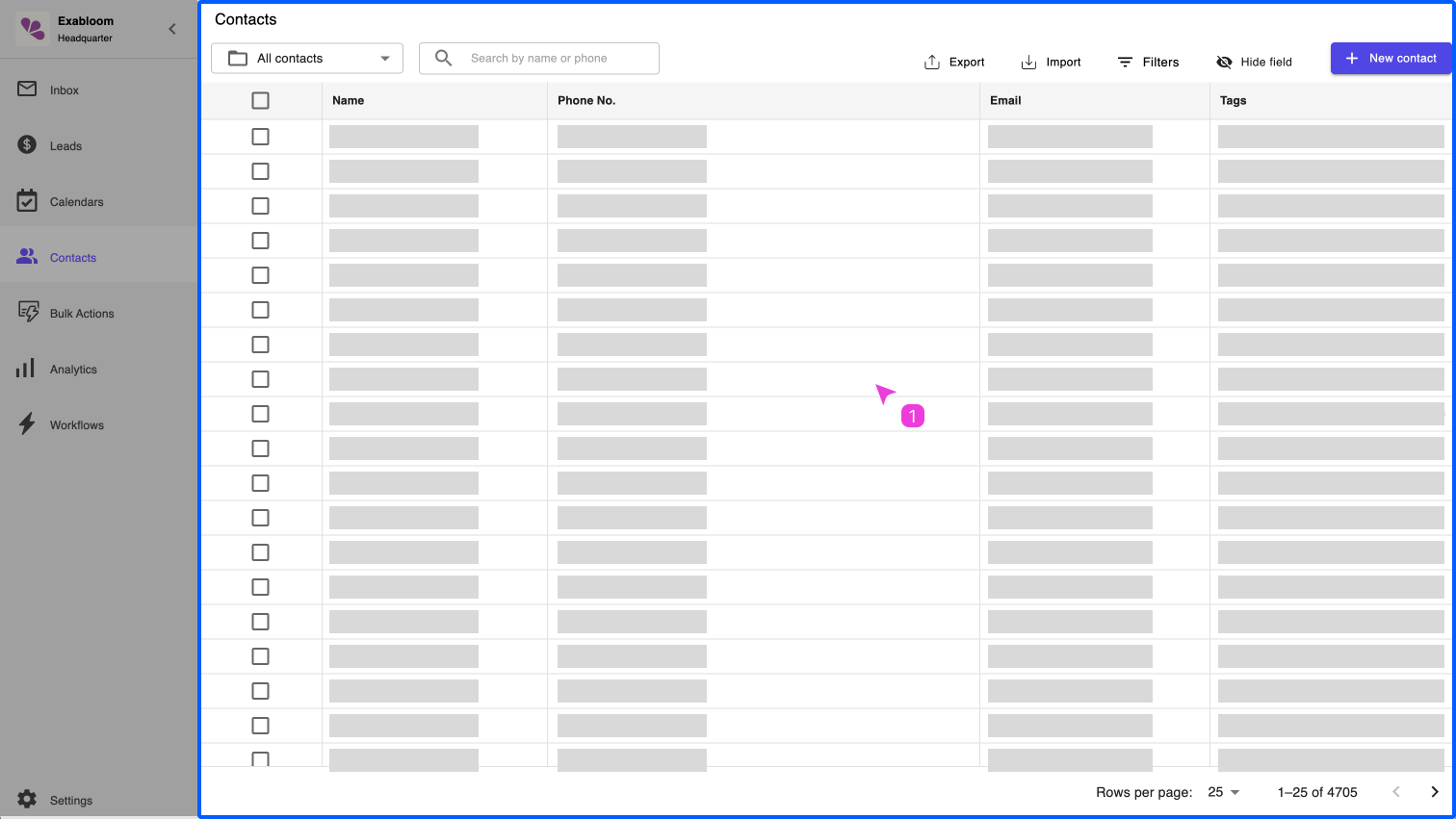
The main panel displays the page you selected in the sidebar. In this example, the Contacts page is shown.